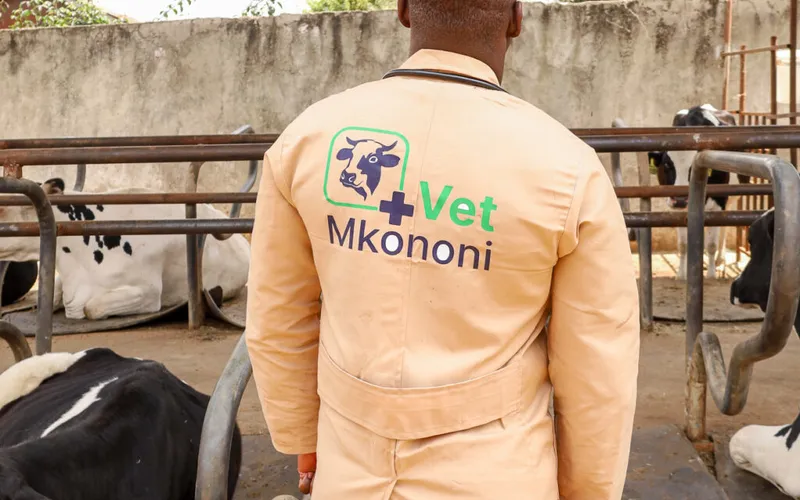
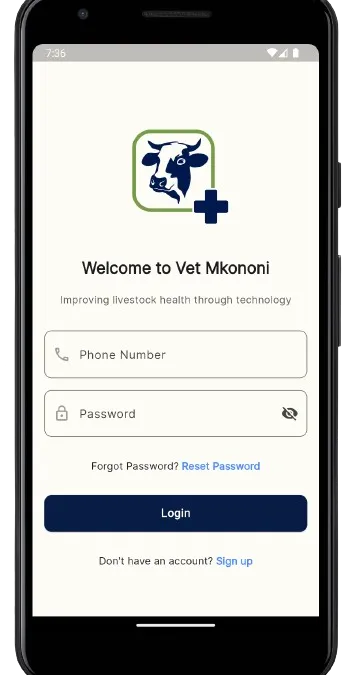
Welcome to Vet Mkononi, the ultimate mobile app designed to simplify livestock management for veterinary officers. Whether you’re tracking animal health, recording services, or managing farmer details, Vet Mkononi makes it easy. Here’s a step-by-step guide to help you get started with our app.
Step 1: Download and Install the App
First, download Vet Mkononi from the App Store or Google Play Store.
Simply search for “Vet Mkononi” and follow the installation instructions.
If you can’t see it on playstore, download on the button below.
Step 2: Register & Verify Your Account
Once installed, open the app to create your account. You’ll need to provide some basic information such as your name, email address, and contact details.
- Tap on the “Register” button.
- Fill in your details in the registration form.
- Create a strong password to secure your account.
- Agree to the terms and conditions, then tap “Sign Up”.
- You will receive an OTP to verify your account, once you get it, it will autofill, click “Verify”.
- Now you are ready to proceed to Login
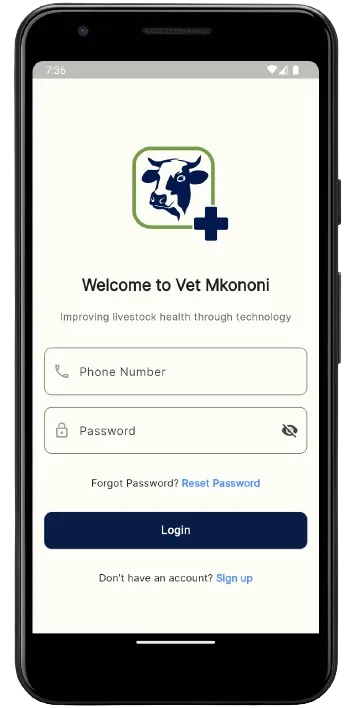
Step 3: Login to Your Account
After registering, you can log in to your account using your email and password.
- Enter your registered phone number.
- Type in your password.
- Tap on the “Login” button to access your dashboard.
If you can’t remember password, click “Reset password” and follow instructions
Step 4: Create an organization
After successful registration and login, now create an organization, it will be how clients & farmers identify you.
- Fill the organization name
- Tap on the “Create” button.
Now you are ready to access all the functionality of the app.
Step 5: Explore the Home Page
Once logged in, you’ll land on the home page. This is your central hub for all activities within the app.
- Farmer Profiles: Easily access and manage detailed profiles for each farmer.
- Livestock Tracking: Monitor the health and status of individual animals.
- Service Records: Document and review services provided, including treatments and vaccinations.
- Report
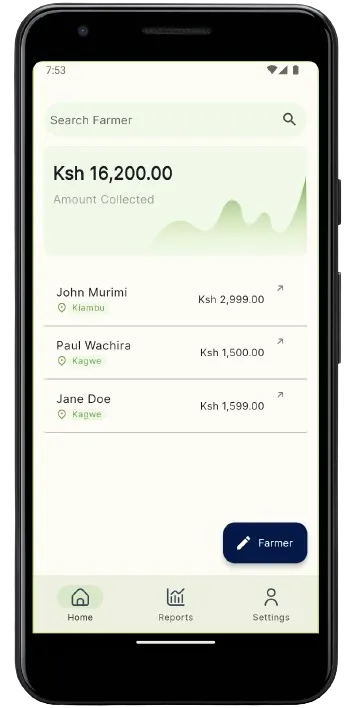
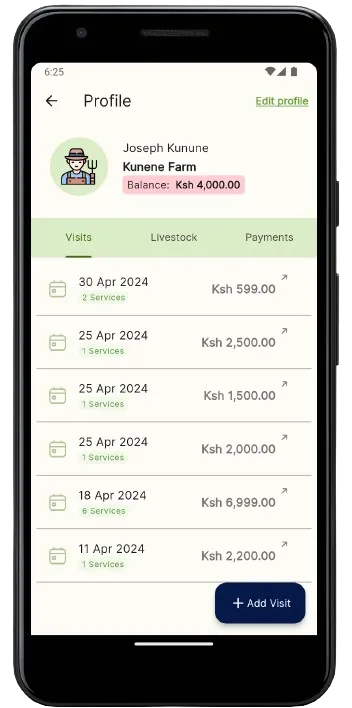
Step 6: Add Farmer & Record Visit details
Now you can add a client profile by clicking “Add Farmer” button.
- You need to add livestock belonging to the farmer
- Add visits, select services, for this you can use existing list of know services or add a service you like.
By following these simple steps, you can start leveraging Vet Mkononi to enhance your livestock management practices. For more detailed guides and support, visit our Help Center or contact our support team at admin@vet-mkononi.co.ke.
With Vet Mkononi, managing livestock has never been easier. Get started today and experience the future of veterinary services at your fingertips!
Ready to try Vet Mkononi?
Digitize your practice today
Download the Android app or register on the web to start tracking visits and payments.
Vet Mkononi Team · 25 May 2024